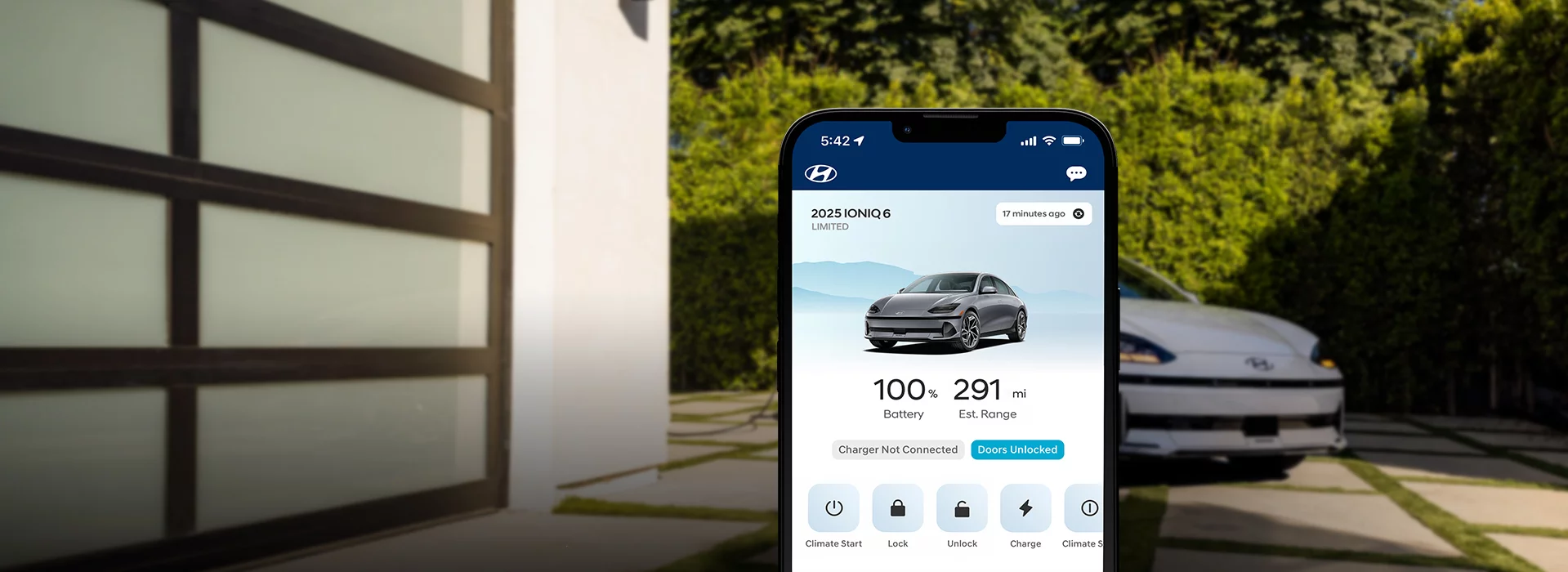
Bluelink+
Remote access with seamless connectivity.
Staying connected to your Hyundai is now at no extra cost.
Bluelink+ is our connected car service that’s available for 2023 IONIQ 6 and new Bluelink-equipped Hyundai vehicles starting with the 2024 model year. It has the great features you love about Bluelink, so you can remotely start your vehicle, lock or unlock doors, schedule battery charging if you own an EV, and more. And it’s all at no additional cost for the original owner, which can save you up to $350 or more per year.
For most 2023 and older models, Bluelink® Connected Car Service is available at a low monthly
fee. 
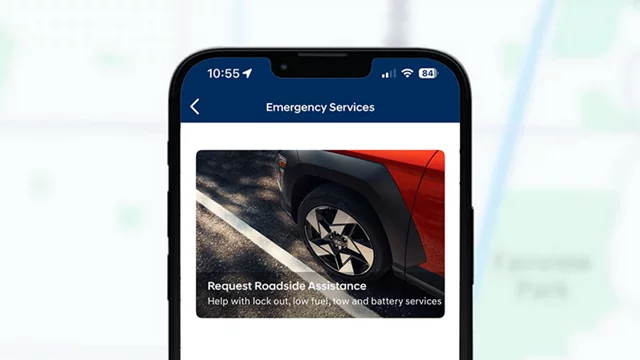
SOS Emergency
Peace of mind comes with comprehensive roadside
support—from round-the-clock SOS emergency
assistance to seamless connections with your nearest
Hyundai Certified Collision Center.
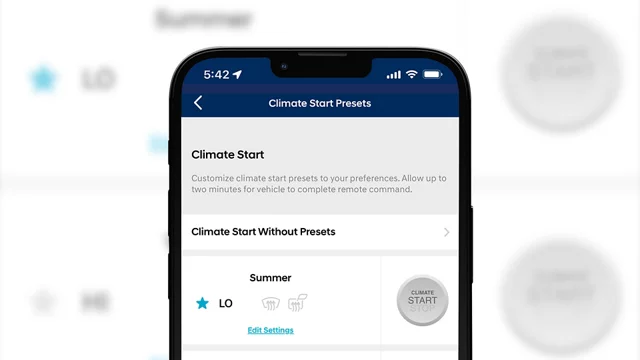
Available Remote Start with Climate Control
Remotely starting your Hyundai's engine, warming or
cooling the cabin and turning on the defroster is as easy
as a few taps in the app or saying "Alexa, start my
car and set the temperature to 75 degrees."
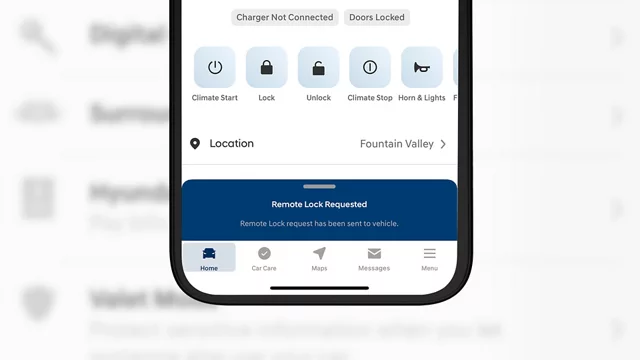
Remote Door Lock & Unlock
With a simple command and your PIN, you can lock and unlock your Hyundai using your smartphone, smartwatch or even your connected home device.
On-Demand Diagnostics and Alerts
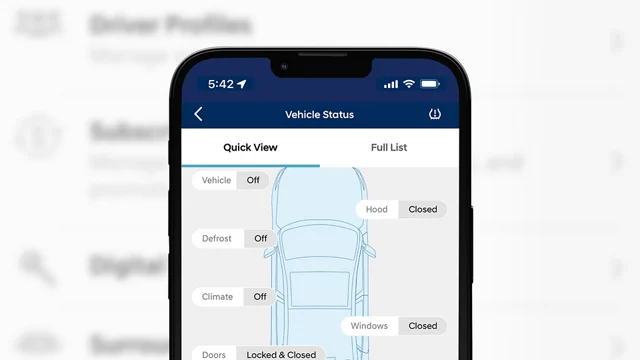
Run a full vehicle diagnostic check directly from your Hyundai's touchscreen. If an issue is found, you can schedule service by pressing the Service Link button on the rearview mirror, and the details will be sent to your preferred dealer.
Destination Search
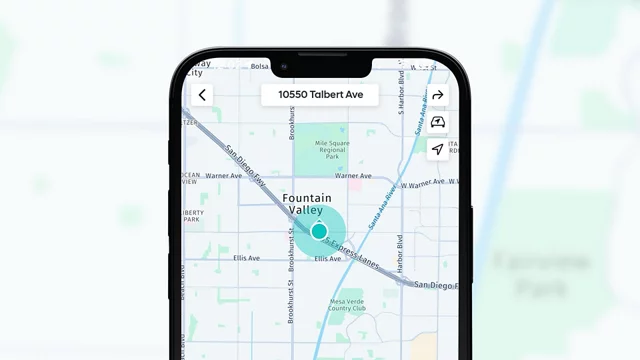
You can use the MyHyundai app from anywhere, or use voice commands in your vehicle to search for destinations. Bluelink then syncs with your navigation system, so your route is ready to go when you are. You can even save multiple destinations for easy access later.
Remote Car Finder
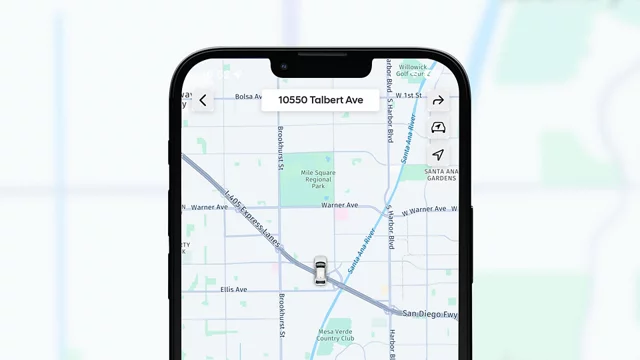
See exactly where you parked without dropping a pin. Bluelink can show you exactly where you parked and makes dropping a pin even easier for the next time.
Available Hyundai Digital Key
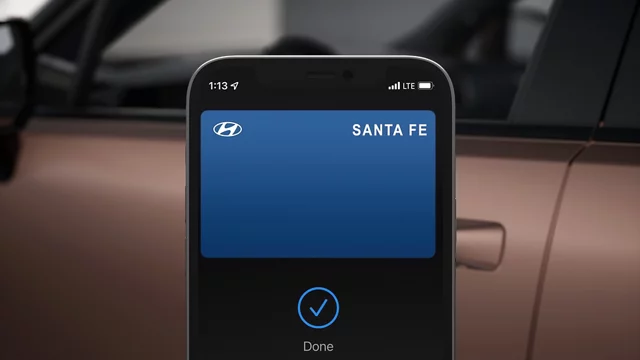
Use your phone or smartwatch to lock and unlock your
doors, start your vehicle, and more. You can also share
your digital key with family and friends. Currently
compatible with select Apple, Google, and Samsung
devices.

SOS Emergency

Available Remote Start with Climate Control

Remote Door lock & Unlock

On-Demand Diagnostics and Alerts

Destination Search

Remote Car Finder
Available Hyundai Digital Key
More Bluelink+ features

Charge Management
Control your plug-in hybrid or electric vehicle’s charging remotely and even schedule charging at a specific time to take advantage of low-demand hours and rates.

Enhanced Roadside Assistance
Take the guesswork out of calling for help. Bluelink can give
your exact location to a Roadside Assistance associate.

Geofence, Curfew and Speed Alert
Proud parent of a teen driver? Help keep them safe with custom, preset notifications of when they’re on the move.

Automatic Emergency Assistance
Your vehicle can automatically call for help if you’re in an accident. You can also push the SOS button for emergency assistance 24/7, 365 days a year.

Panic Notification
Set up automatic text or email notifications to alert yourself, family or friends if your panic button has been triggered.

Service Link
Conveniently schedule your car for service from the driver seat, without picking up your phone.

Stolen Vehicle Recovery
Bluelink can assist law enforcement in locating and recovering your vehicle.

Available Wi-Fi Hotspot
Make internet happen just about anywhere you go. Get your Wi-Fi
devices online through your own in-vehicle hotspot, with an available data plan from Verizon.

Get started with Bluelink+.
Get connected with Bluelink+ today. Start by visiting MyHyundai.com or clicking "register" below. New users will need to create a MyHyundai account, while existing users can simply log in. Follow the simple instructions on the site, then enter your Vehicle Identification Number (VIN). Finally, download or open the MyHyundai with Bluelink app and log in with your MyHyundai account.
RegisterDownload the MyHyundai with Bluelink app


iPhone and the App Store are registered trademarks of Apple Inc.
Android and Google Play are trademarks of Google LLC.

Bluelink User Manual and Resources
It's all here. Everything you need to know about using Bluelink Connected Car Service.
View nowHave Questions?
What is the difference between Bluelink and Bluelink+?
- Bluelink is available on most 2023 and older Hyundai models (except IONIQ 6) at a low monthly fee.
-
Bluelink+ is available for the 2023 IONIQ 6 and new
Bluelink-equipped Hyundai vehicles starting with the 2024
model year. It is not available on all models. Certain
ELANTRA, ELANTRA Hybrid & VENUE trims do not offer
Bluelink+.
What is Hyundai Bluelink+?
How do I sign up for Bluelink+?
To sign up for Bluelink+, create a MyHyundai account or log in to your existing MyHyundai account.
- Go to MyHyundai.com and click REGISTER if you need to create an account.
- Follow the quick and easy steps on the screen to set up your account. You will need your Vehicle Identification Number (VIN) to complete enrollment.
- Use the account you created to sign in to the MyHyundai with Bluelink app or manage your account on MyHyundai.com.
If I currently subscribe to Bluelink, can I upgrade my subscription to Bluelink+?
I already own a Hyundai. Is it too late to get Bluelink+?
What Hyundai vehicles are equipped with Bluelink and Bluelink+?
Bluelink launched on the 2012 SONATA and is currently available on most 2013 through 2023 Hyundai models (excluding IONIQ 6). Vehicles later than 2013 that are not equipped with Bluelink include 2013 - 2017 ACCENT, 2013 ELANTRA sedan and 2013 TUCSON.
Bluelink+ launched with the 2023 IONIQ 6 and will be available on most 2024 Hyundai models moving forward.
Where can I learn more about how Bluelink/Bluelink+ features work?
These quick "how to" videos will tell you more about each Bluelink feature.
Helpful information can be also found in the Bluelink User's Manual, which can be downloaded here.
I own a 2023 or older Hyundai model (excluding IONIQ 6). Where can I find more information about the standard Bluelink service?
Where can I get the MyHyundai with Bluelink app?
How does Enhanced Roadside Assistance work?
How does Stolen Vehicle Recovery work with local police to recover my vehicle?
What smartphones are compatible with Bluelink/Bluelink+?
Bluelink for iPhone® - OS 13.6 and above
Bluelink for Apple Watch® - OS 2.0 and above
Bluelink for Android smartphones - OS 12 and above
Will Bluelink+ use my cellphone connection?
What smartwatches and Hyundai vehicles are supported by the MyHyundai with Bluelink smartwatch app?
Is Hyundai Bluelink+ complimentary?
How much does Hyundai Bluelink+ cost?
Can I remote start my Hyundai without Bluelink+?